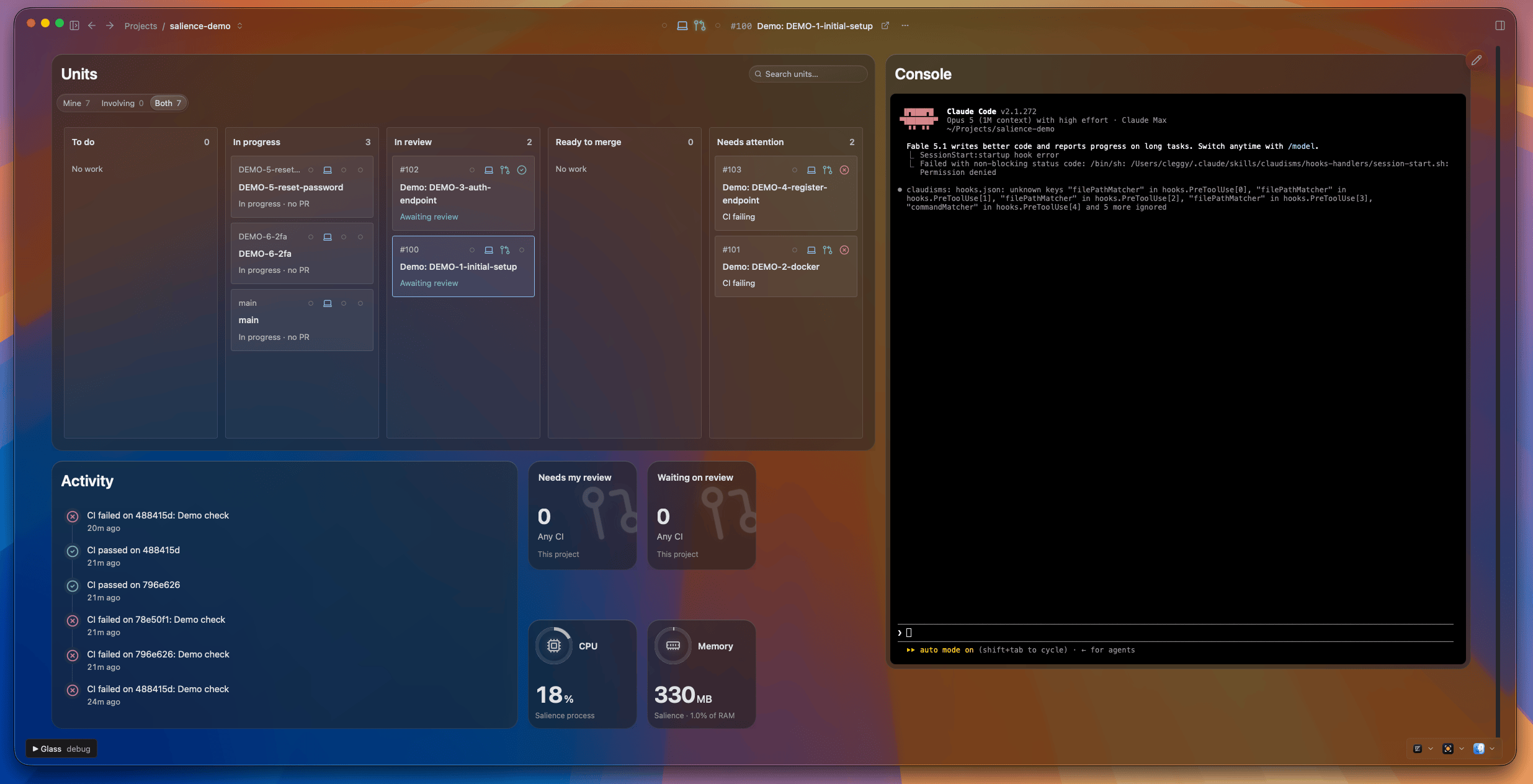
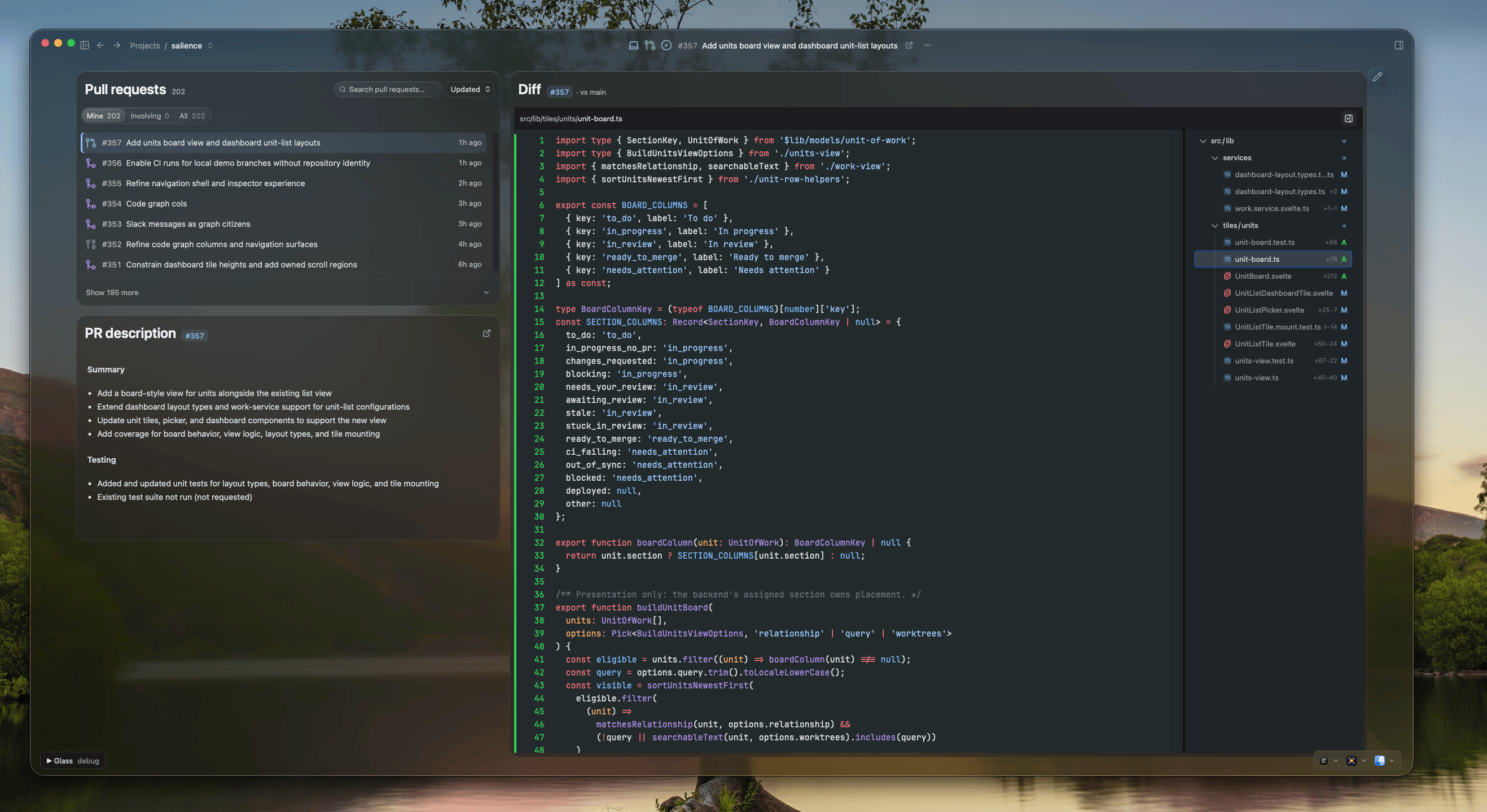
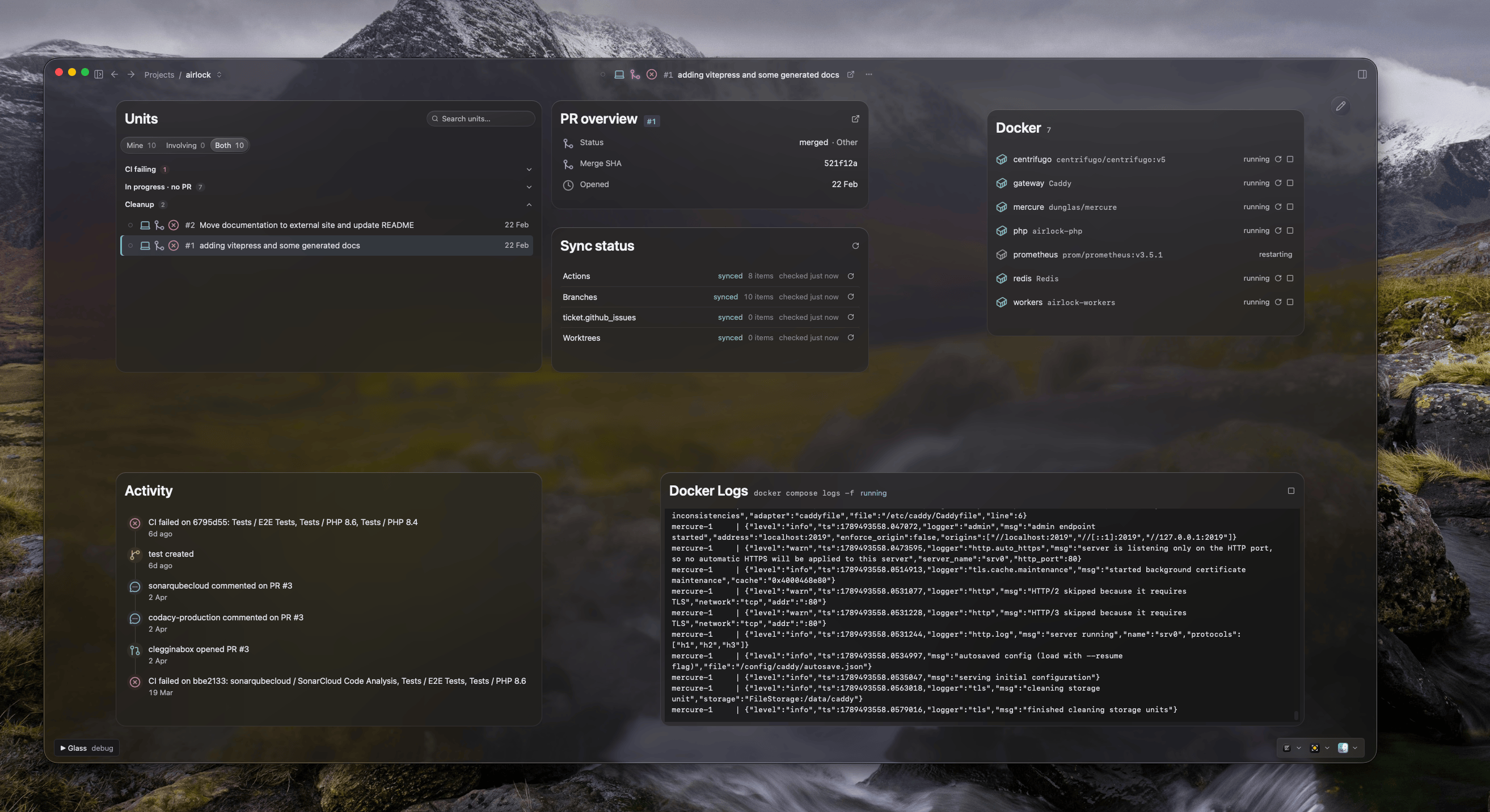
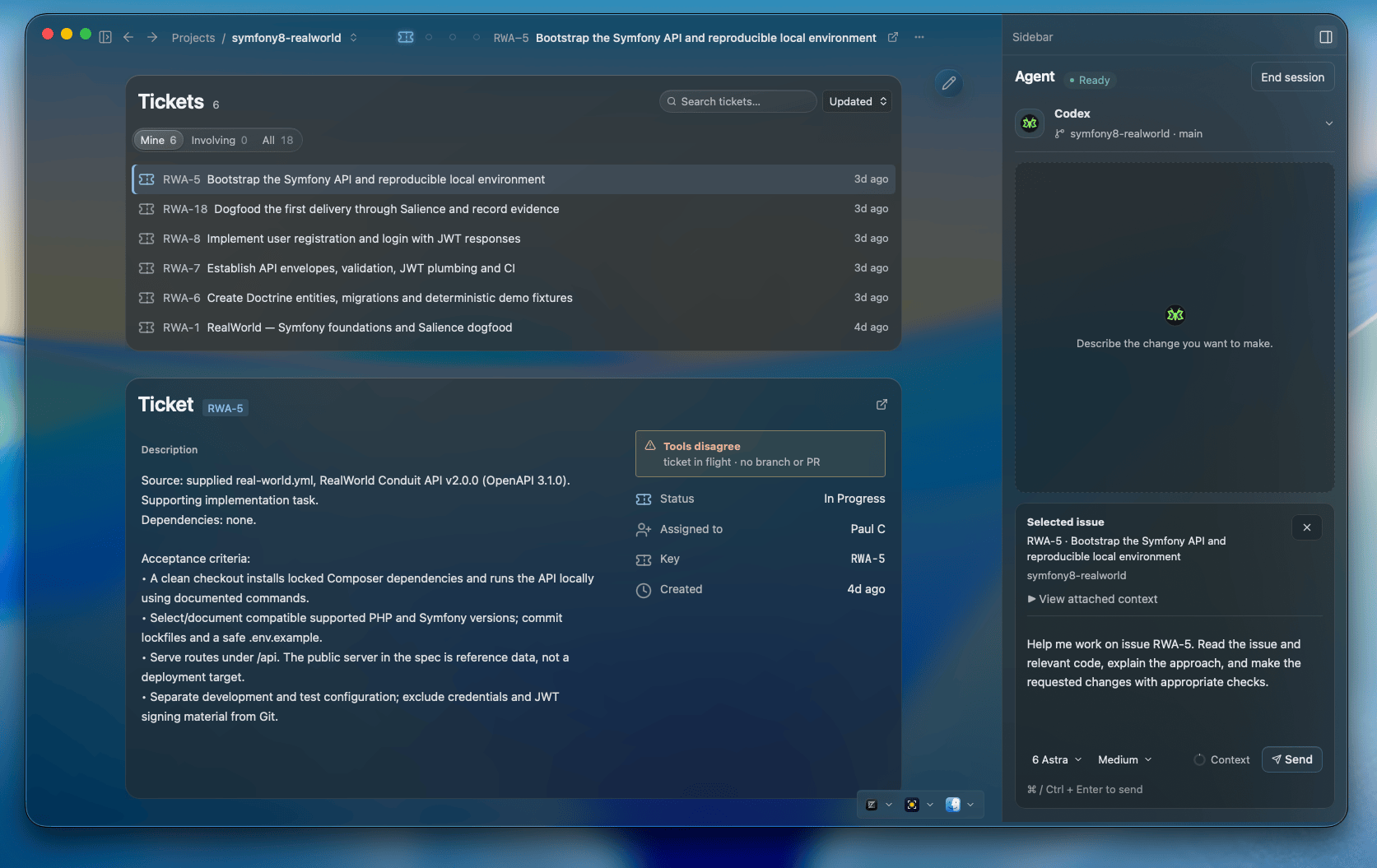
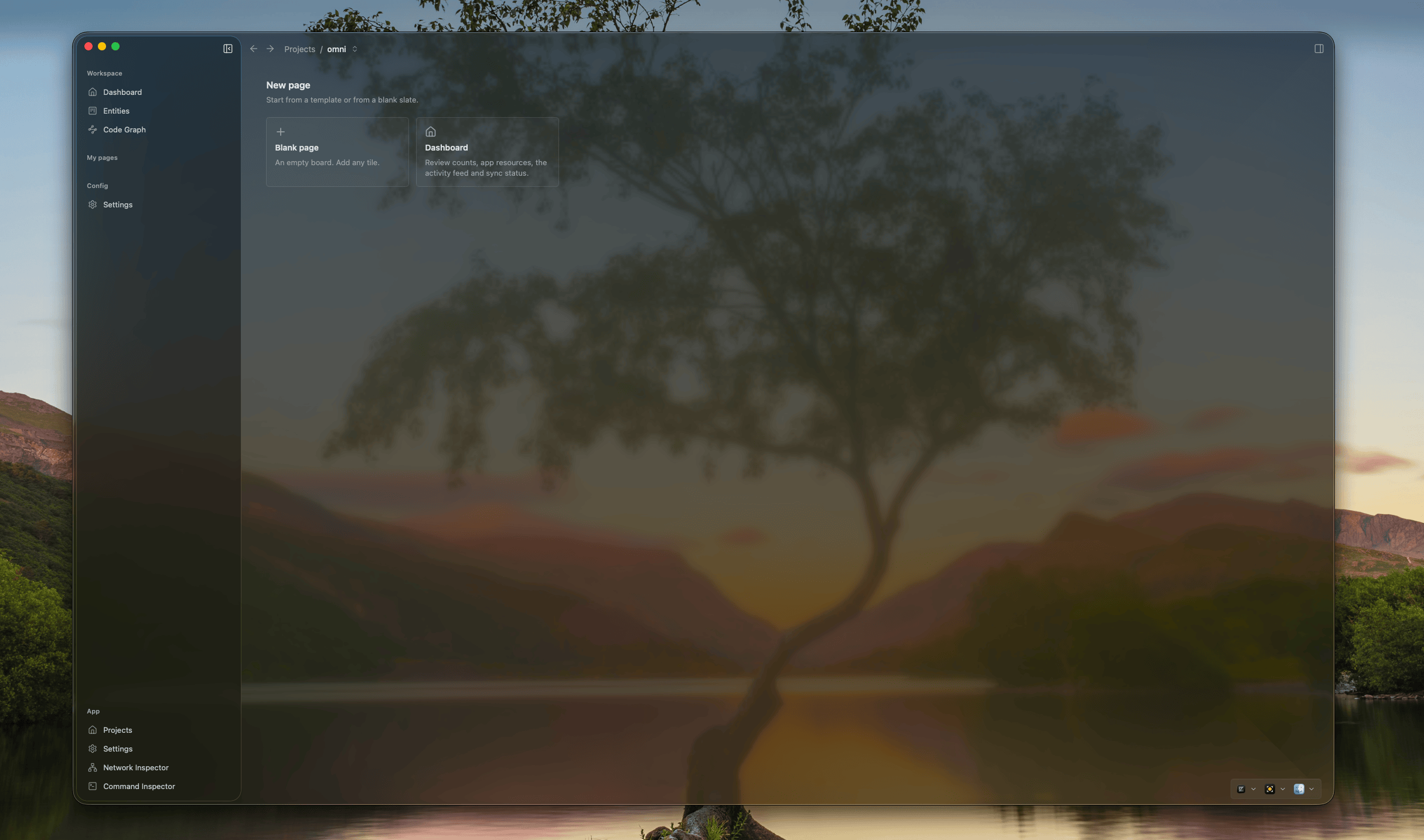
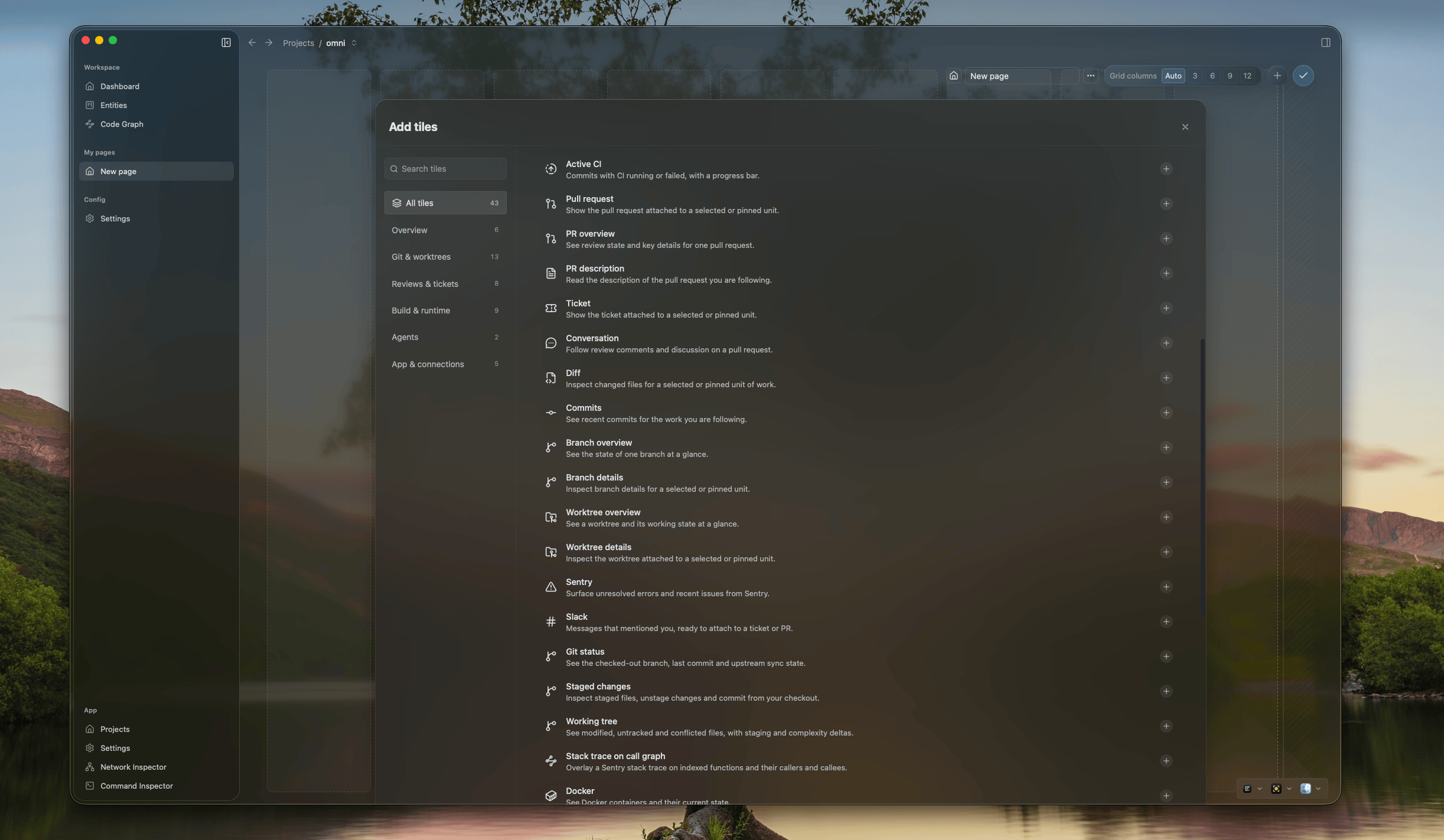
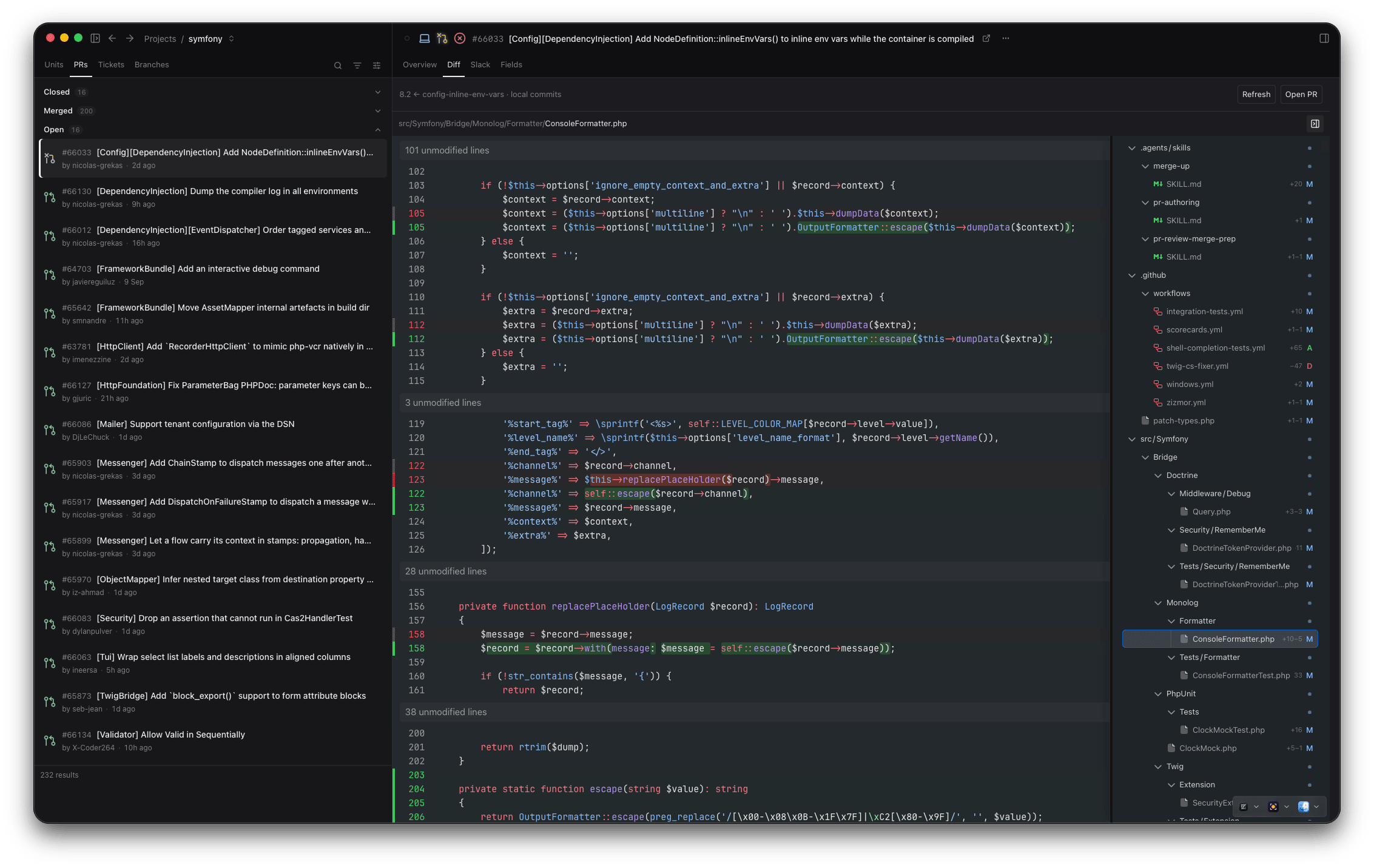
Units of work in a kanban board, with activity, review counts and a console alongside.Pull requests, the selected PR's description, and its diff against main with the changed-file tree.Docker containers with restart and stop controls, live compose logs, sync status and a PR overview.The selected ticket's description and acceptance criteria, with a Codex session in the sidebar ready to work on it.New page — start from a template or a blank board.45 tiles across overview, git and worktrees, reviews and tickets, build and runtime, agents, and app connections.
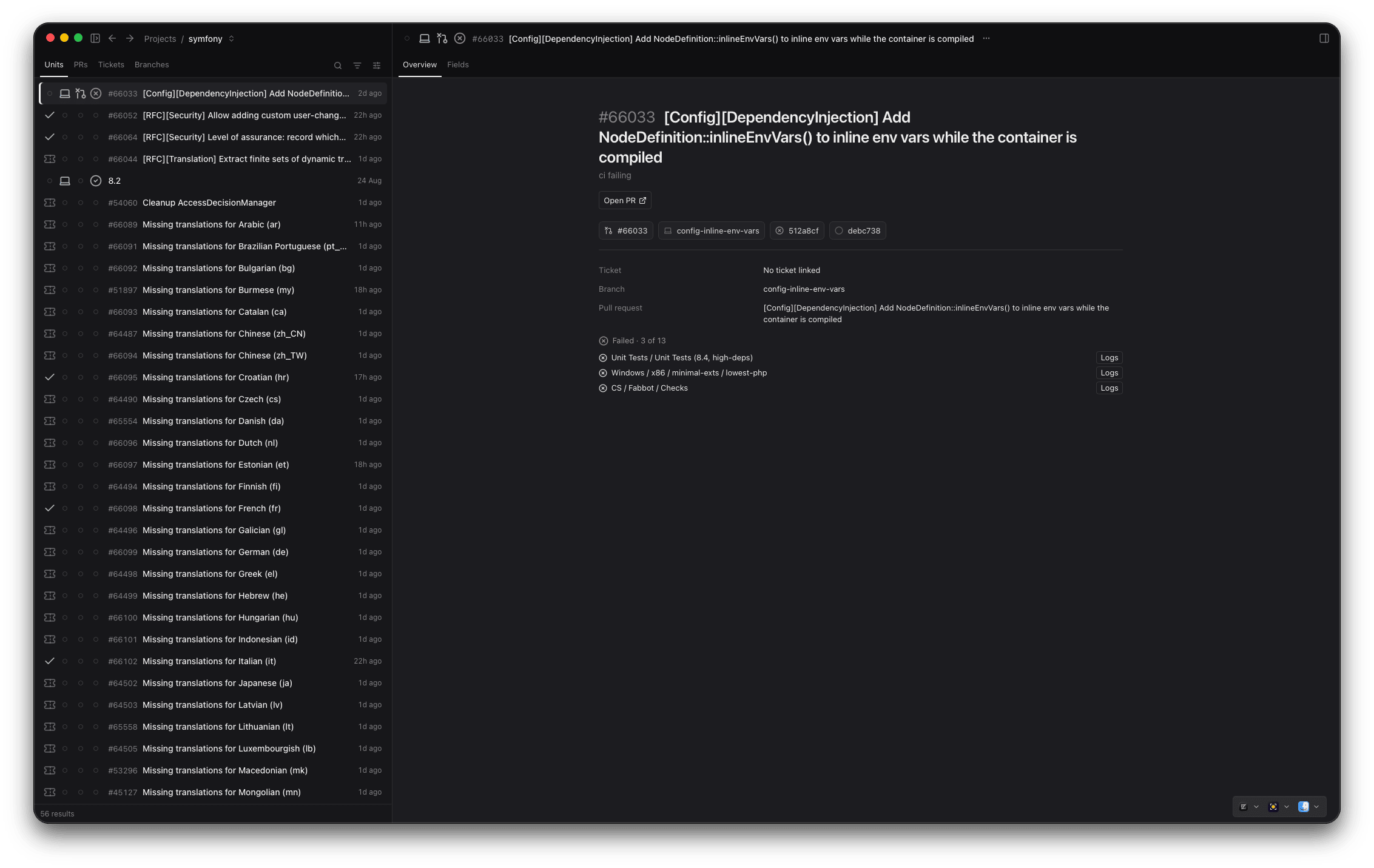
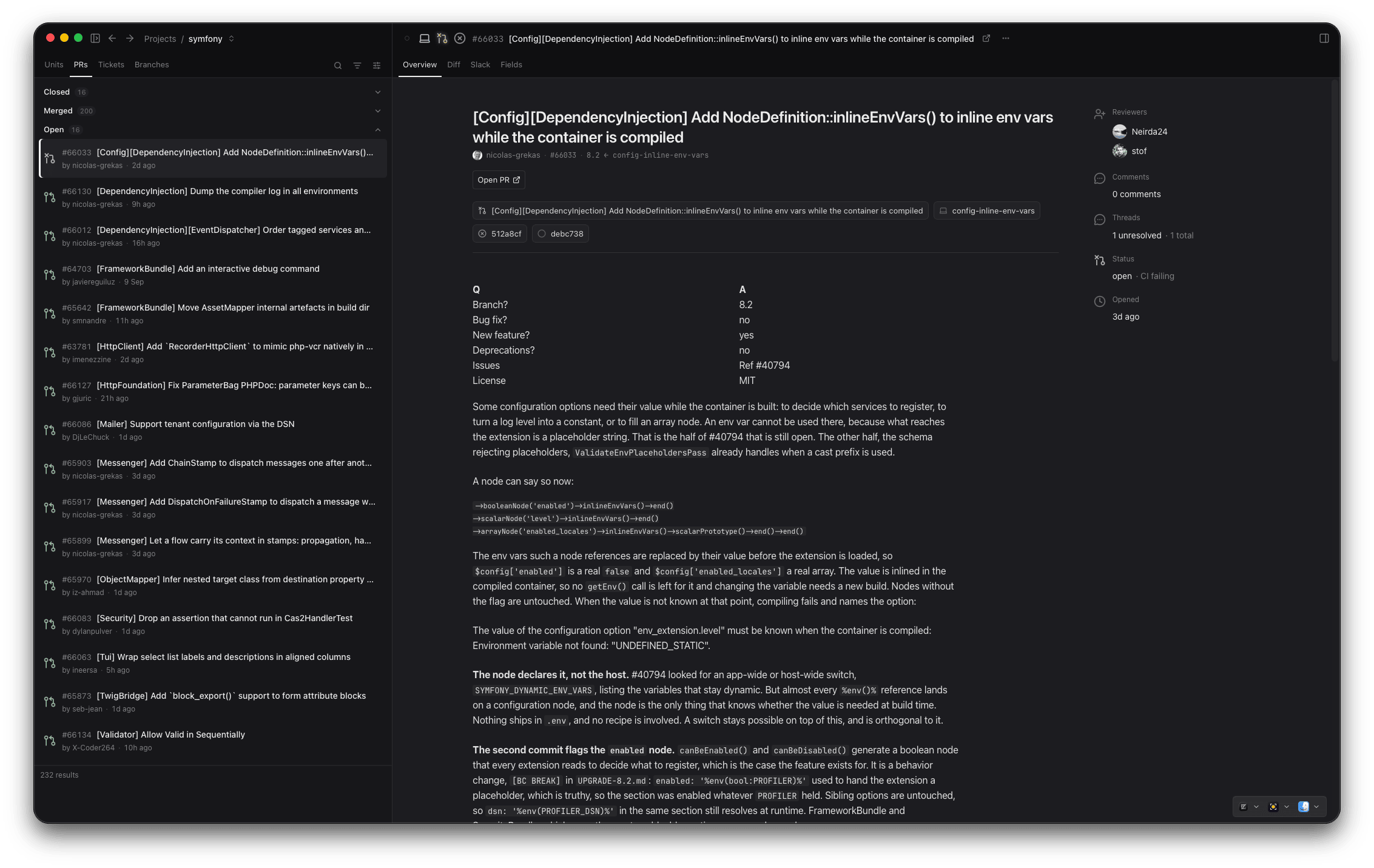
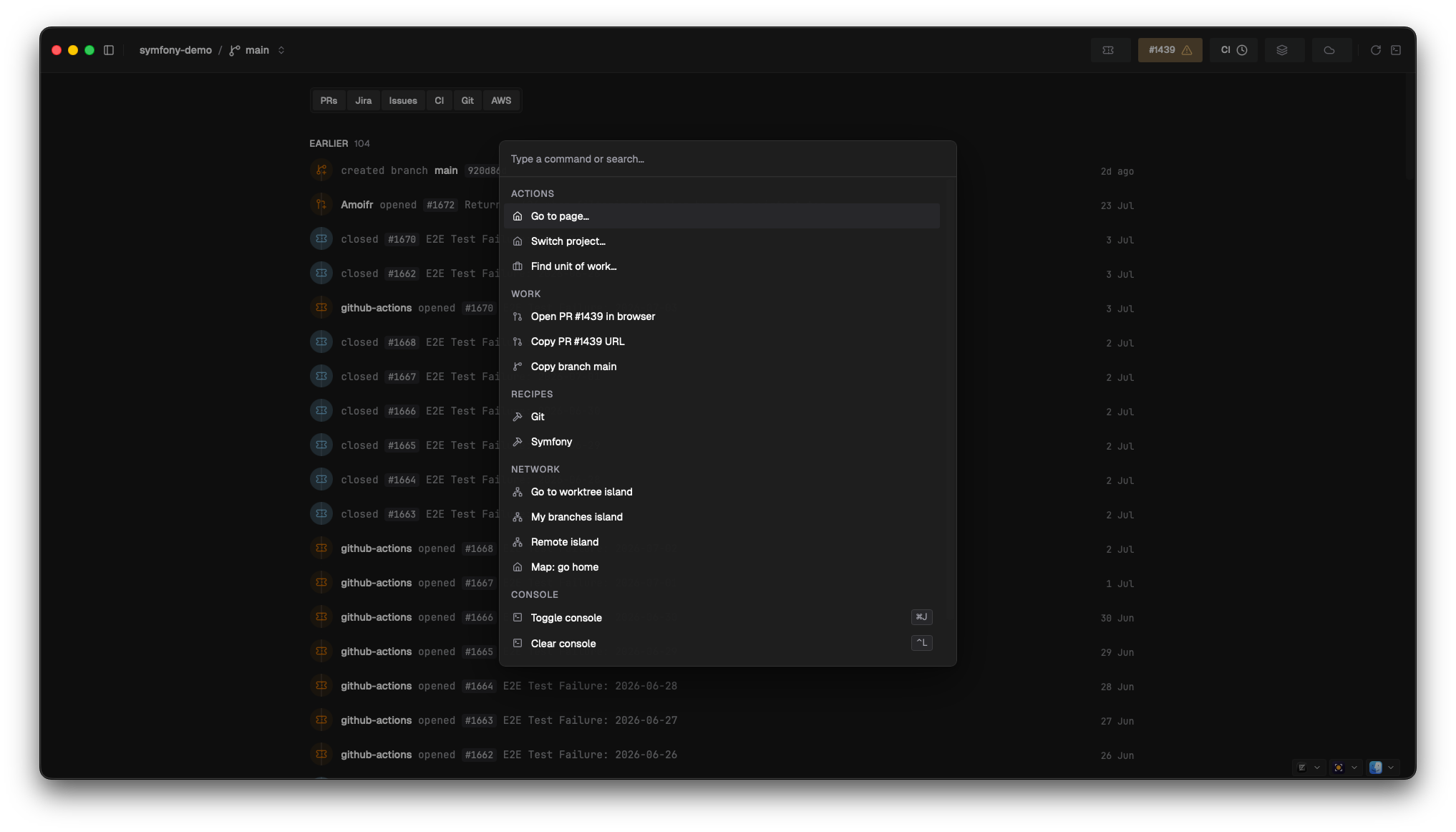
Units — a branch, its PR and its ticket as one thing. Here: which CI jobs failed, with logs one click away.PRs — the full description rendered in place, with reviewers, unresolved threads and CI state in the sidebar.Diff — the PR's changes against its base, file by file, without leaving Salience.⌘K — type a few characters and jump to any ticket, PR, action or page.
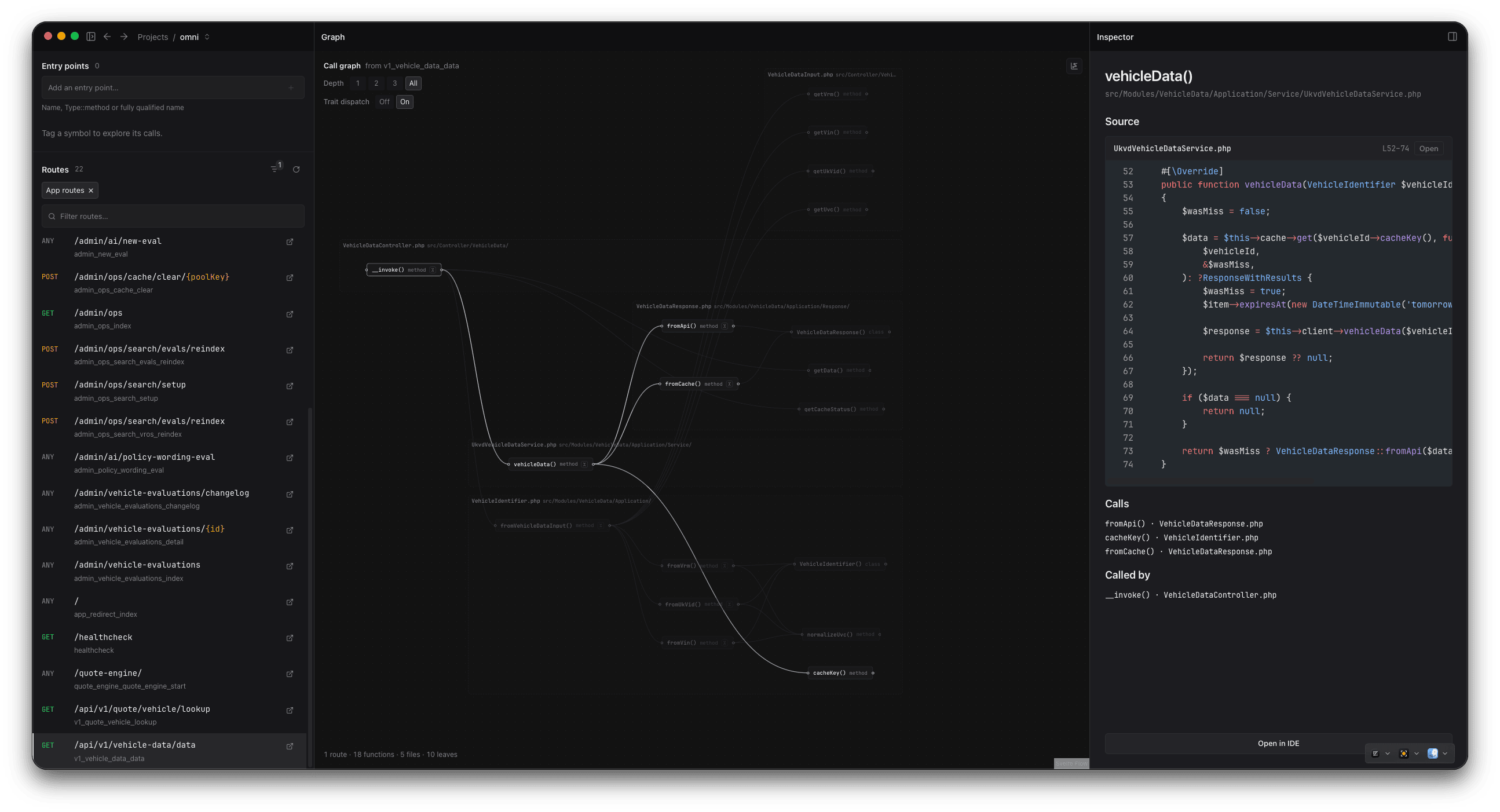
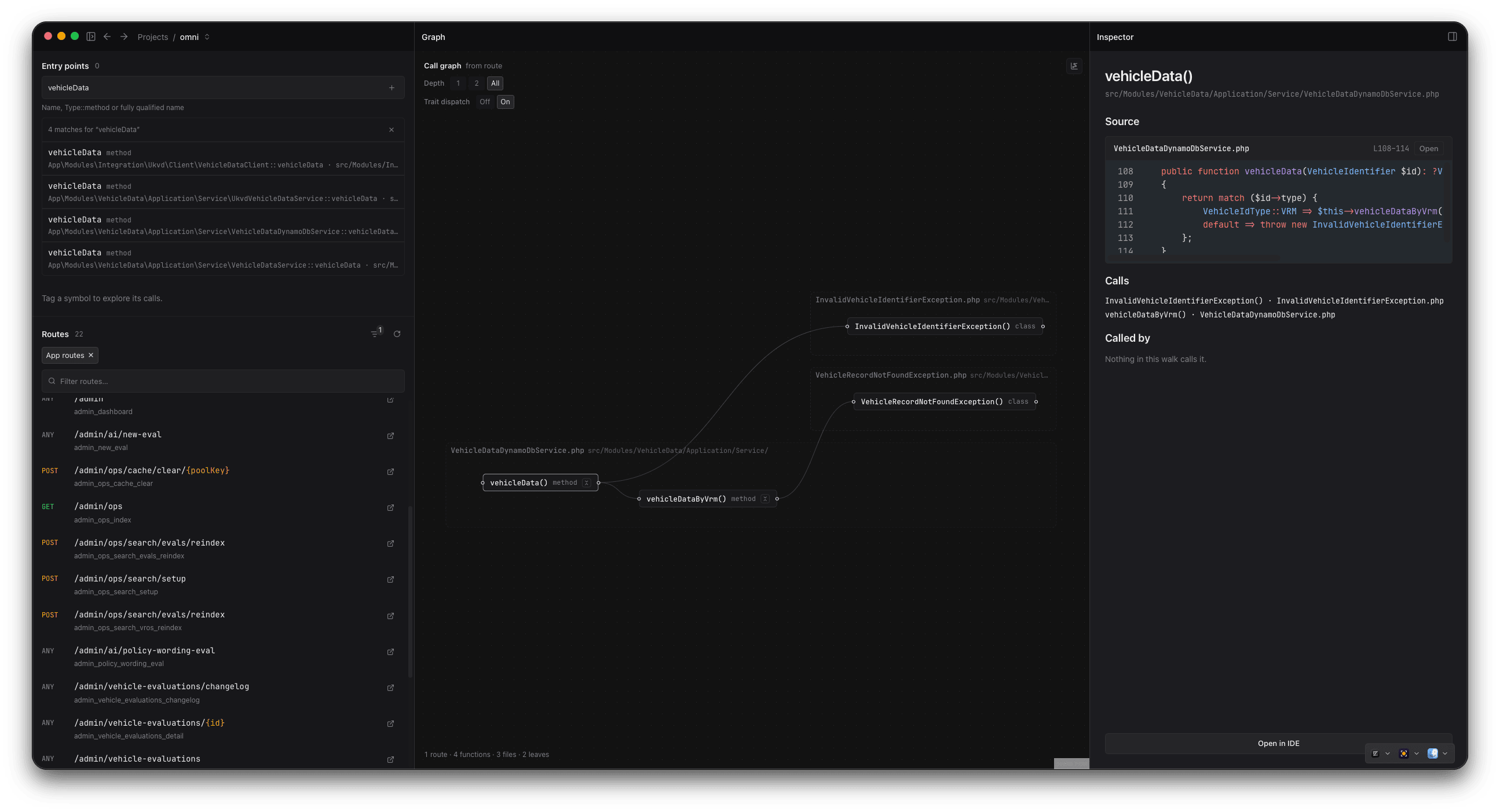
Pick a route, see the code it touches. Select a function for its source, what it calls, and what calls it — then open it in your IDE.Or start from a symbol — search by name, pick the match, and walk its calls from there.