Project files
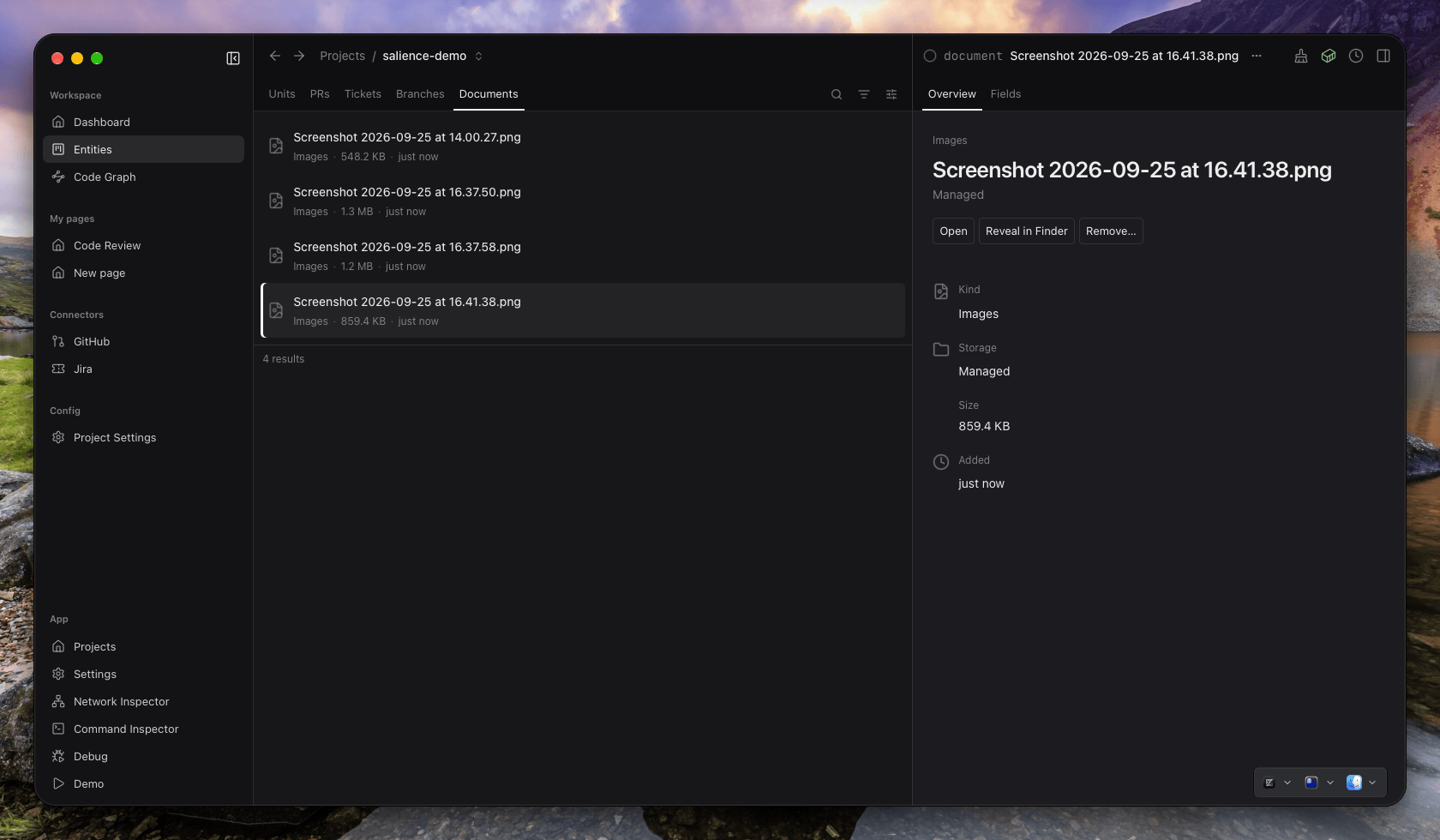
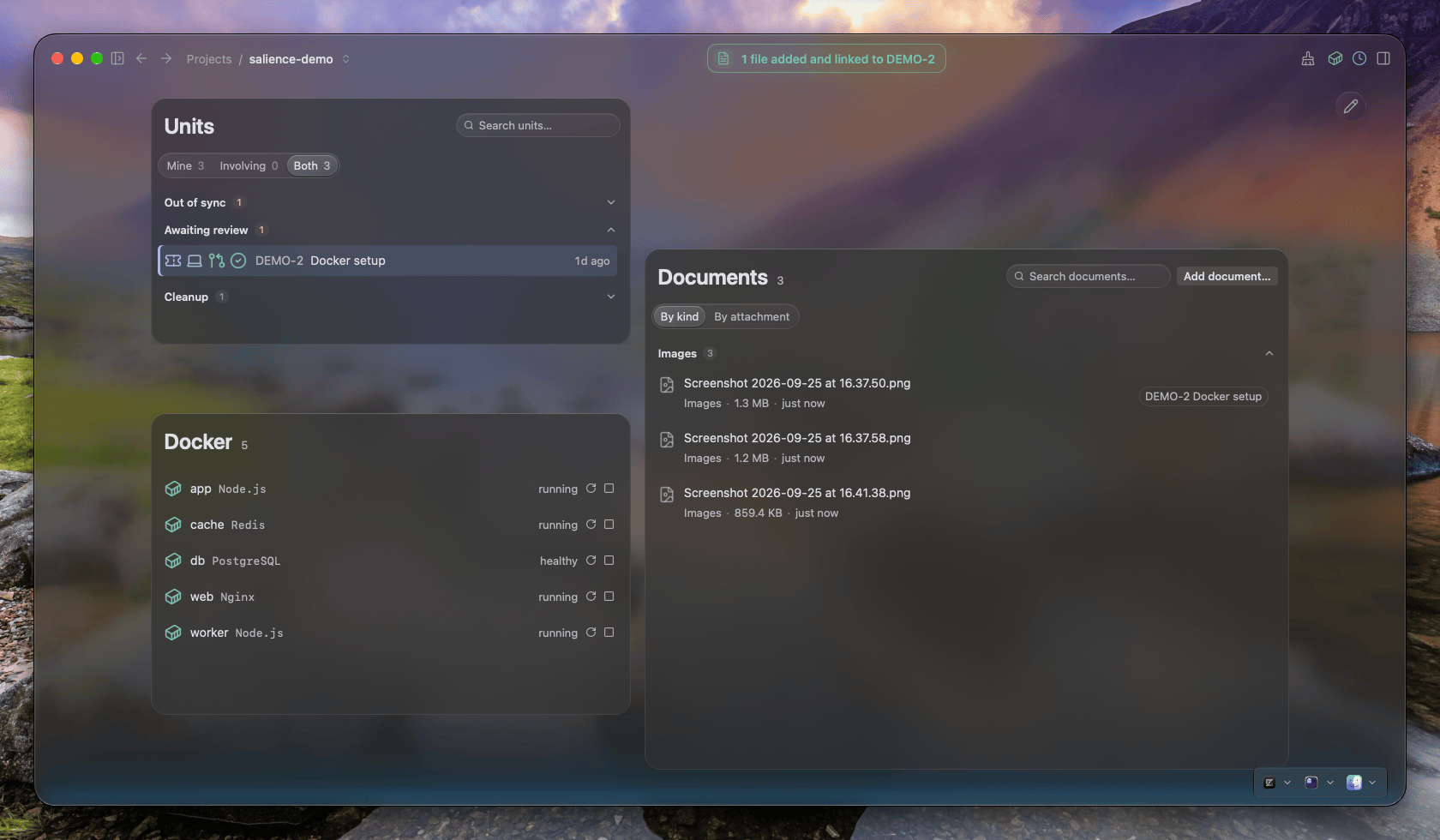
If your Downloads folder is anything like mine, it's full of logs, spreadsheets from Jira tickets detailing a piece of work, documentation as PDFs and the updated spec someone sent on Slack. Files that matter to your work but don't belong in source control. Salience keeps them with the project, associated with the entity they're about. You can find them by name in the app, and agents can see them and what they're linked to over the MCP server, like any other relationship.
Add files
Drag files into the Salience window while a project is open.
- Drop anywhere to add the files to the project.
- Drop onto a ticket, pull request, branch or unit of work to add them and associate them with that entity.
What happens to the original
- A file inside the project's repository stays where it is. Salience uses it in place and makes no copy.
- A file from anywhere else is copied into Salience's storage for that project. The original isn't touched, so you can tidy Downloads afterwards.
Removing a file
Removing a document deletes it and its links from Salience. What happens on disk depends on where it came from:
- A copy Salience made goes to the Trash, so you can still restore it.
- A file in your repository stays on disk. Salience only stops listing it.